Revolutionizing the iPhone Experience: iOS 27 Promises a Fully Customizable Camera Interface

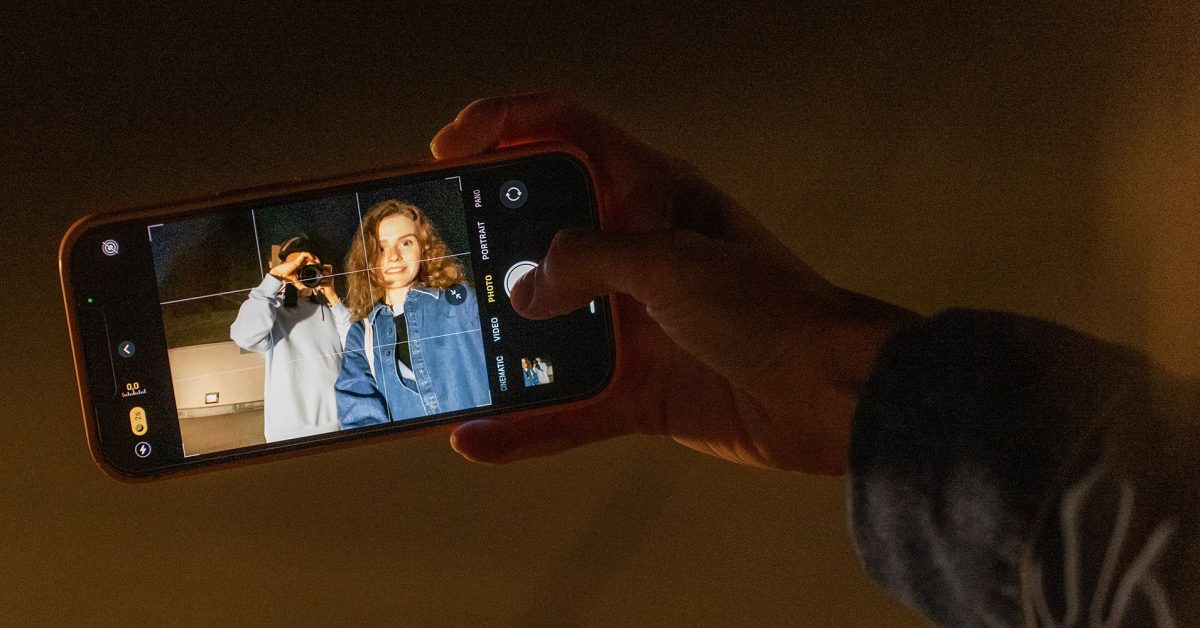
- iOS 27 is expected to introduce a modular, customizable Camera app UI to reduce current menu complexity.
- Users will be able to add or remove specific control 'widgets' to declutter the interface and prioritize their preferred settings.
- This update aims to maintain the iPhone's signature ease-of-use while accommodating the professional demands of advanced mobile photographers.
The Evolution of the iPhone Camera: From Simple Point-and-Shoot to Professional Tool
Since its inception, Apple’s stock Camera app has championed a singular philosophy: the “point-and-shoot” experience. The goal was to ensure that any user, regardless of photographic expertise, could capture stunning images with a single tap. By leveraging advanced scene recognition, intelligent exposure balancing, and sophisticated post-processing, Apple transformed the iPhone into the world’s most popular camera.
The Growing Challenge of Interface Bloat
However, as Apple continues to add cutting-edge features—ranging from Photographic Styles to complex hardware-integrated controls like the Camera Control button—the app has become increasingly crowded. While these additions are a boon for enthusiasts, they have introduced a layer of “UI friction” for the average user. Finding specific settings often feels like navigating a labyrinth, buried under layers of sub-menus that can disrupt the spontaneity of capturing a moment.
The Complexity vs. Capability Dilemma
As Apple introduced more manual controls, such as the two-axis tone and color adjustments, the Camera app moved away from its minimalist roots. The recent integration of tactile, touch-sensitive sliders—while technically impressive—has been criticized for being fiddly and non-intuitive. For many, the clutter of unused buttons like ‘Flash’ or ‘Live Photos’ creates a cognitive load that detracts from the creative process.
A User-Centric Future with iOS 27
According to recent reports, Apple is set to address these concerns in the upcoming iOS 27. The tech giant is reportedly moving toward a fully modular, customizable interface that allows users to tailor the camera experience to their specific needs.
The proposed solution involves a widget-based system along the top of the interface. Key highlights include:
- Personalized Control Arrays: Users can select which settings are front-and-center, effectively curating their own “Pro” or “Minimalist” layout.
- Removal of UI Clutter: You will finally be able to hide unused features (such as the Flash or Night Mode) that currently occupy valuable screen real estate.
- Advanced Mode Defaults: While the app will launch with the standard “classic” setup, users can toggle between preset arrays, allowing for a seamless transition between casual snaps and deliberate, manual-control photography.
The Verdict
This shift represents a significant maturation of Apple’s software design. By allowing users to define their own workflow, Apple is bridging the gap between its “it just works” reputation and the power-user demands of modern mobile photography. If these rumors hold true, iOS 27 will likely be remembered as the update that finally gave users complete mastery over their most-used app.



