Microsoft Reclaims Control: New Windows 11 Update Brings Start Menu Customization and Taskbar Flexibility

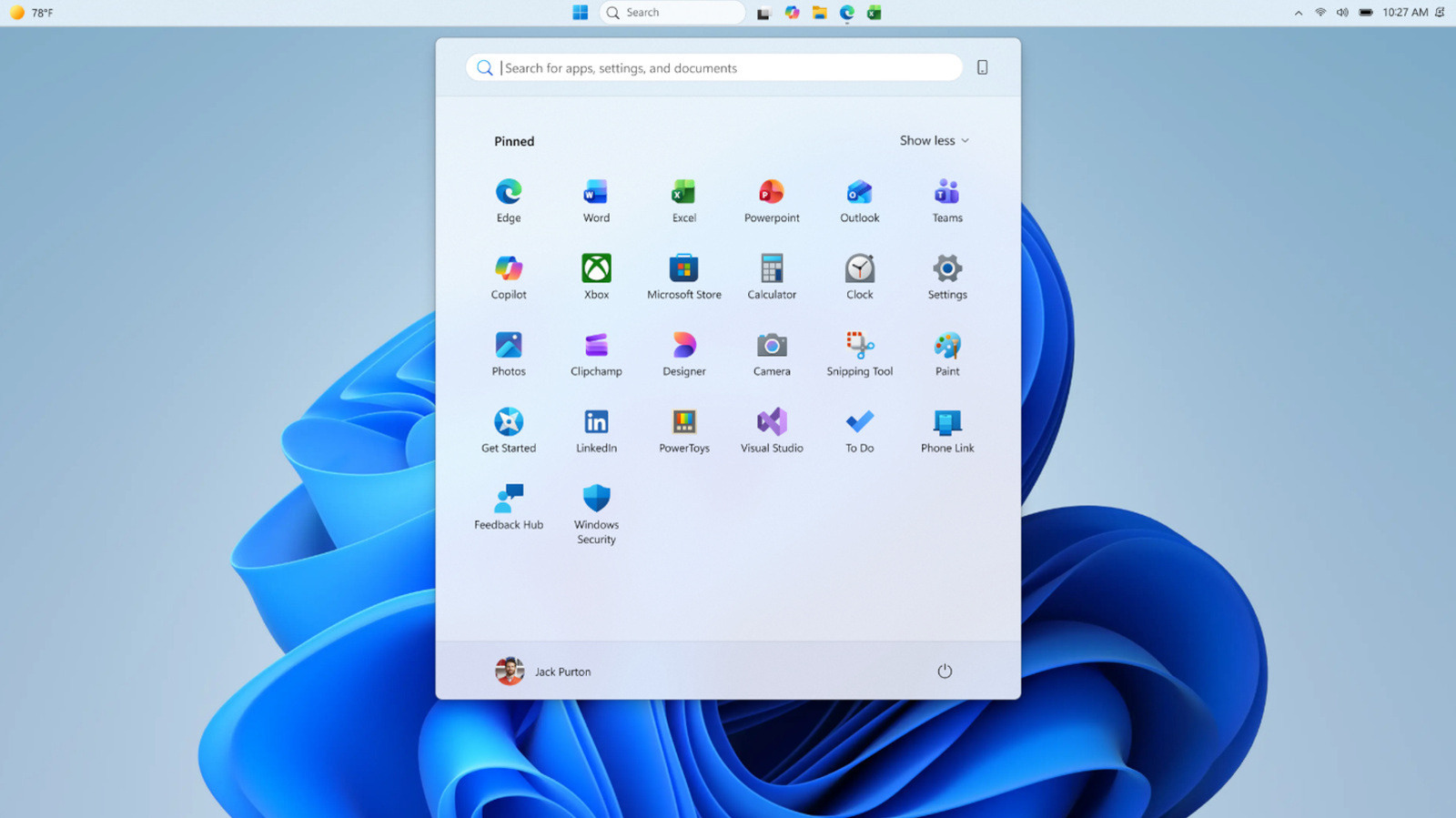
- Microsoft is introducing new 'Small' and 'Large' Start menu sizing options to combat recent interface bloat.
- New granular toggles allow users to hide Pinned, Recommended, and 'All Apps' sections to create a minimalist layout.
- The taskbar is regaining its flexibility, allowing users to dock it on any edge of the screen with customizable icon alignment settings.
Customization Returns to Windows 11
Microsoft is finally addressing long-standing user feedback regarding the Windows 11 interface. In a significant move for the Windows Insider program, the tech giant has begun rolling out a new update in the Experimental channel that prioritizes user choice over rigid design patterns. For power users who have felt that recent iterations of the operating system were becoming overly bloated, these upcoming changes offer a welcome return to a more modular and personalized computing experience.
Shrinking the Bloat: Start Menu Resizing
One of the most persistent criticisms since the Windows 11 rollout has been the footprint of the Start menu. Following reports that the menu size had grown significantly—nearly doubling since late last year—Microsoft is now providing a solution. Users in the Insider program can now toggle between ‘Small’ and ‘Large’ Start menu layouts directly within the Settings app. This preference remains consistent across various display configurations, ensuring your desktop environment feels uniform regardless of your monitor setup.
Granular Control Over Your Workflow
Beyond simple resizing, Microsoft is introducing section-level toggles for the Start menu. This feature empowers users to hide or show specific areas, including:
- Pinned Apps: Keep only your essential shortcuts front and center.
- Recommended Section: Clear out clutter by hiding suggested files and apps.
- All Apps: Streamline the navigation experience by simplifying the primary interface.
Additionally, Microsoft is introducing a privacy-focused feature that allows users to hide their name and profile picture from the Start menu—a massive win for content creators and professionals who frequently share their screens or stream their desktops to an audience.
Taskbar Freedom: Reclaiming Screen Edge Real Estate
Perhaps the most requested feature since the launch of Windows 11 is the ability to move the taskbar. Microsoft is officially testing the return of taskbar repositioning, allowing users to dock the bar on any edge of the screen: top, bottom, left, or right. The update also includes advanced alignment settings:
- Side-Docking: Choose between top-aligned or centered icons when the taskbar is on the left or right edges.
- Horizontal Docking: Select between traditional left-aligned or modern centered icons when the taskbar resides on the top or bottom.
How to Access These Features
These features are currently exclusive to Windows Insiders in the Experimental channel. To gain early access and provide feedback that will shape the final build of these features, users must register their Microsoft account in the Windows Insider program. By participating, you not only get a first look at the future of Windows but also play a critical role in refining the UI/UX choices that will eventually ship to the general public. As these features move through the testing pipeline, we expect a broader rollout in the coming months, marking a pivotal shift in how Microsoft approaches operating system personalization.