Pixel Watch Users Report Widespread Crashes in Find My Phone and ECG Apps

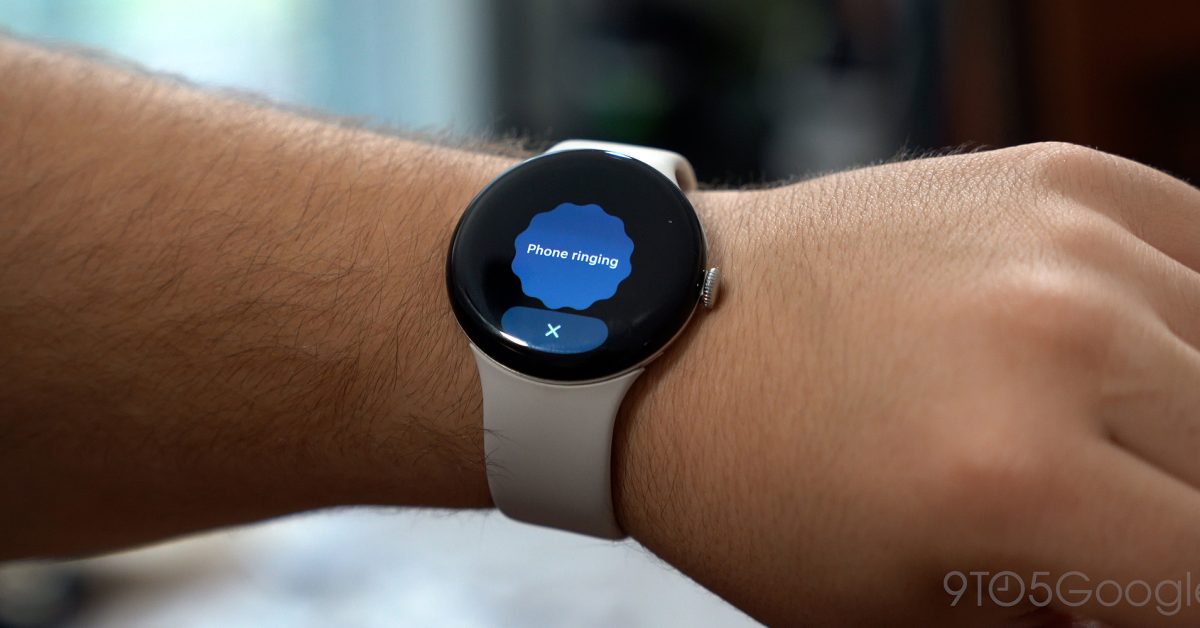
- Core Pixel Watch applications, including 'Find My Phone' and ECG, are experiencing frequent crashes on newer models.
- The issues appear to be caused by recent app-level updates rather than system-wide firmware changes.
- Users can bypass the broken 'Find My Phone' interface by using Google's Gemini assistant as a temporary solution.
System Instability Hits Google Pixel Watch Ecosystem
Google Pixel Watch owners are currently facing significant software hurdles, as reports surface regarding two critical applications—Find My Phone and the ECG (electrocardiogram) monitor—becoming unresponsive. For many users of the Pixel Watch 3 and Pixel Watch 4, these essential features are currently failing to launch, crashing immediately or displaying error prompts that render the devices less functional than expected.
The Scope of the Issue
The “Find My Phone” utility, a staple for those who frequently misplace their devices, appears to be the most affected. Users attempting to trigger the ping command report that the application splash screen appears momentarily before the system forces a closure, reverting the user directly to the watch face. This behavior is consistent across multiple hardware configurations, with several reports corroborating the experience on online forums like Reddit.
Simultaneously, the ECG application, which is vital for health-conscious users, is exhibiting erratic behavior. Upon opening the app, users are frequently greeted with a persistent error message stating, “Reopen the app and try again.” Unlike the universal nature of the Find My Phone bug, reports suggest the ECG malfunction may be more selective, affecting some devices while leaving others operational.
Potential Causes and Current Workarounds
While the exact culprit remains unconfirmed, tech experts point toward recent background application updates rather than the core operating system. Notably, the major March 2026 system update did not coincide with the start of these crashes, suggesting that specific app-level packages or server-side changes are to blame.
For those currently affected by the “Find My Phone” outage, there is a minor workaround: using Google’s AI assistant, Gemini, to locate your handset. By triggering the assistant on the watch, you can bypass the broken app interface to trigger the alert on your connected smartphone.
What’s Next for Pixel Watch Owners?
Google has yet to issue an official patch to address these specific software instabilities. As these functions are integral to the Pixel Watch experience, a swift resolution via an app update is expected. In the interim, users are encouraged to ensure their Pixel Watch applications are updated via the Google Play Store on the watch and to report persistent crashes through the official feedback channels to expedite the triage process.



