Smart Cleaning Simplified: How to Control Your Matic Robot Vacuum with Apple Home and Siri

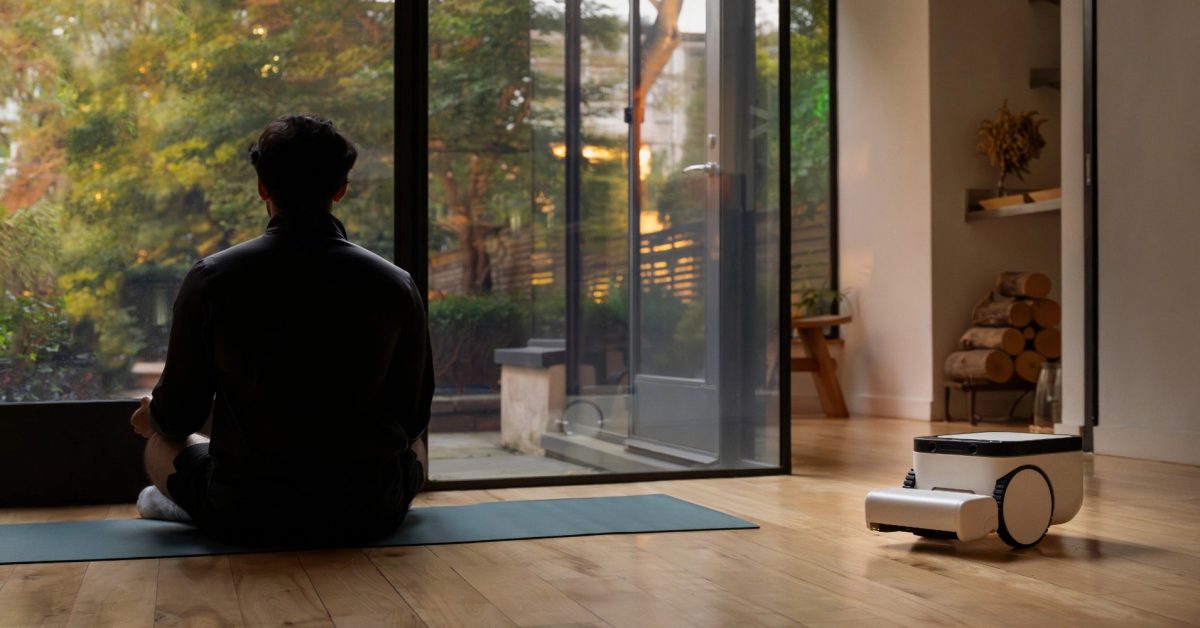
- Matic version 1.44 brings native support for Apple Home and Siri, allowing for centralized smart home management.
- Users can easily pair the device via a simple QR code scan and utilize Siri to command specific cleaning zones or multi-room sessions.
- The integration supports advanced automation, including location-based cleaning triggers and customizable cleaning intensity modes directly through the Apple Home app.
Seamless Integration: Matic Joins the Apple Home Ecosystem
For smart home enthusiasts deeply embedded in the Apple ecosystem, the ability to centralize device control is paramount. Matic Robots has officially answered the call, bringing long-awaited Apple Home and Siri integration to their premium vacuum and mop hardware. This software-defined upgrade, introduced in the version 1.44 update, elevates the user experience by allowing homeowners to orchestrate their cleaning routines alongside their existing HomeKit accessories.
How to Connect Matic to Apple Home
Integrating your Matic vacuum with Apple Home is a streamlined process designed for efficiency. By navigating to the settings menu in the Matic app, users can select the “Connect to Smart Home App” option. Follow these steps to complete the setup:
- Ensure your Matic app is updated to version 1.44 or later.
- Navigate to Settings and select “Enter Pairing Mode.”
- Choose Apple Home from the supported platforms.
- Scan the QR code displayed on the robot’s built-in screen using your iPhone.
- Assign the device to a room within your Home app to complete the configuration.
Note: While the device supports both Apple Home and Google Home, the manufacturer advises pairing one at a time for optimal connectivity.
Voice Command Control with Siri
One of the most significant advantages of this integration is the deep Siri support. Matic intelligently syncs its internal room mapping with the Apple Home app, allowing for granular control via voice commands on your HomePod, iPhone, or Apple Watch. Users can now execute a variety of complex tasks effortlessly:
- Targeted Cleaning: “Siri, vacuum and mop the kitchen.”
- Multi-Room Commands: “Siri, vacuum the living room and hallway.”
- Automation Triggers: “Siri, mop everywhere.”
- System Management: “Siri, pause cleaning” or “Siri, return the vacuum to the dock.”
Advanced Automation and Cleaning Modes
Beyond voice commands, the integration unlocks powerful automation potential. Within the Apple Home app, you can incorporate your Matic vacuum into custom scenes. For example, you can program the robot to initiate a floor cleaning session automatically the moment you leave your home, or have it return to its charging station when you arrive. Additionally, the Home app interface exposes three distinct cleaning modes—Quick, Deep Clean, and Automatic—allowing you to adjust the intensity of the task without leaving the Apple Home interface.
While the native Matic app remains the hub for the most granular hardware settings, the ability to control cleaning operations via Apple Home is a masterclass in smart home interoperability. Despite a minor hiccup with macOS compatibility, the overall implementation marks a significant milestone for Matic, proving that high-end robotic hardware can evolve through intelligent, user-centric software updates.



