Apple Bolsters Enterprise Stability with macOS 26.5: Key Fixes for Managed Fleets

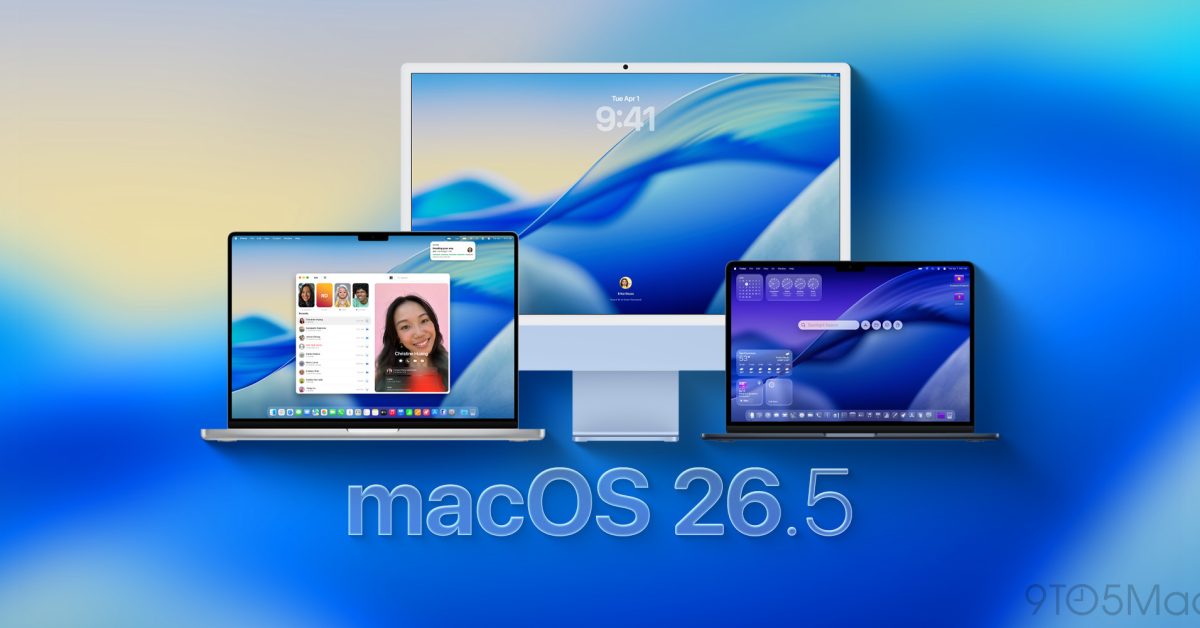
- macOS 26.5 patches critical bugs causing unexpected restarts on M5-series MacBooks and instability when mounting SMB shares.
- Enterprise management is improved with fixes to certificate renewals, domain controller discovery, and tighter control over Safari autofill via MDM policies.
- The update resolves UI issues with XQuartz, smart card authentication false positives, and the "black screen" error following system updates.
Enhancing Reliability in Professional Environments
Apple has officially detailed the enterprise-focused refinements integrated into the latest macOS 26.5 update. As organizations increasingly rely on managed Mac fleets, maintaining stability across diverse hardware and networking configurations is paramount. This update directly addresses critical bottlenecks that have hindered performance and security in corporate and educational environments.
Addressing Critical System Stability and Hardware Issues
The macOS 26.5 release targets several high-priority bugs that have affected M5-series silicon and network integration. One of the most significant fixes concerns a persistent “black screen” issue that appeared on some Macs immediately following software updates—a critical headache for IT administrators managing remote or distributed workforces.
Furthermore, owners of the latest MacBook Air (M5) and MacBook Pro (M5 Pro/Max) models will benefit from improved stability when utilizing third-party content filter extensions. Previously, these extensions were causing unexpected system restarts, potentially leading to data loss or workflow disruption. Apple’s intervention here ensures that security software can operate alongside high-performance workflows without compromising system uptime.
Refined Networking and Security Protocols
For enterprises managing heavy SMB (Server Message Block) traffic, the update provides a welcome fix for unexpected restarts during share mounting. Additionally, Apple has refined how Macs handle domain controller discovery for non-Active Directory bound machines. The SMB client now performs DNS SRV lookups for specific configurations within nsmb.conf, providing a more robust fallback mechanism if domain controllers are unreachable.
Security and identity management also received attention, with updates including:
- Smart Card Authentication: Corrected an issue where successful logins were erroneously triggering “incorrect password” attempts, streamlining authentication for highly secure environments.
- Device Management Compliance: Root and intermediate certificates are now updated correctly during the renewal of device management service enrollments, ensuring uninterrupted connectivity.
- Safari Autofill Controls: Resolved a conflict where disabling Safari autofill via MDM still allowed password/passkey autofill to be toggled in System Settings.
Enhanced Compatibility for Specialized Tools
Development teams and engineers relying on X11 applications will appreciate the fix for XQuartz display rendering. Users previously encountered display anomalies when resizing app windows; this update restores expected behavior, ensuring seamless integration for legacy and specialized Linux-based tools running on macOS.
IT departments looking to deploy these updates across their managed infrastructure should consult Apple’s official deployment documentation to ensure that these critical stability patches are rolled out effectively, minimizing end-user downtime and reinforcing system integrity across the enterprise.



