Pixel Watch Users Report Critical App Failures: Find My Phone and ECG Crashing

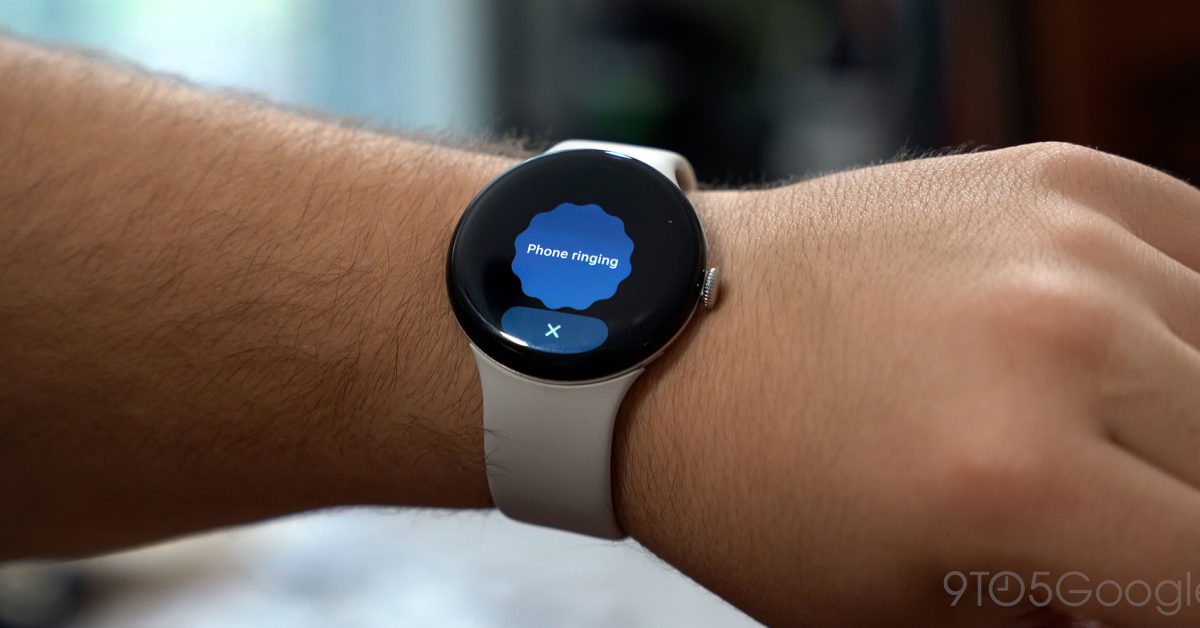
- Pixel Watch 3 and 4 owners report that both the 'Find My Phone' and ECG apps are crashing upon launch.
- The issues appear to be caused by recent background app updates rather than a major firmware release.
- Users can bypass the broken 'Find My Phone' app by using voice commands via Gemini to locate their devices.
System Instability Affects Core Pixel Watch Functionality
Wearable technology relies heavily on seamless integration between hardware and software, but recent reports indicate that some Pixel Watch users are facing significant hurdles. Multiple owners of the Pixel Watch 3 and Pixel Watch 4 have reported that two essential applications—Find My Phone and the ECG (Electrocardiogram) tool—are currently malfunctioning, often crashing immediately upon launch.
The Scope of the Issue
According to user reports from community forums like Reddit and internal testing, the “Find My Phone” feature is failing across several device iterations. When users attempt to trigger the app, the interface displays a brief splash screen before unexpectedly closing and returning to the watch face. This rendering of the feature useless creates a major inconvenience for users who rely on the watch to locate their devices in home or office environments.
Simultaneously, the ECG app is exhibiting erratic behavior. Many users report that upon opening the health-tracking tool, they are greeted by an error message prompting them to “Reopen the app and try again,” effectively blocking access to vital cardiovascular monitoring data.
Potential Causes and Current Workarounds
While the exact root cause remains unconfirmed, the timing of these crashes suggests a silent update issue rather than a platform-wide system flaw. Despite no major firmware updates rolling out since March 2026, the sudden onset of these bugs points toward potential back-end app updates or service synchronization errors.
- Alternative Solutions: For those needing to locate their handset, using Google Gemini remains a viable workaround. Triggering a voice command to “Find my phone” often bypasses the faulty app interface and triggers the phone’s ringtone successfully.
- Monitoring Updates: Users are advised to check the Google Play Store on their watches to see if there are pending updates for the Fitbit or Google Pixel Watch apps that might address these instabilities.
What’s Next for Pixel Watch Users?
As of now, Google has not released a formal patch to resolve these specific crashes. Tech enthusiasts and long-term users are keeping a close watch on official forums for a fix. Given the nature of these applications, a server-side fix or a quick app-store update is the most probable path to restoration. In the meantime, users experiencing these issues are encouraged to report their specific model and error messages to Google’s support channels to help expedite the debugging process.



