Is Your Device Ready? The Comprehensive iPadOS 27 Compatibility Guide

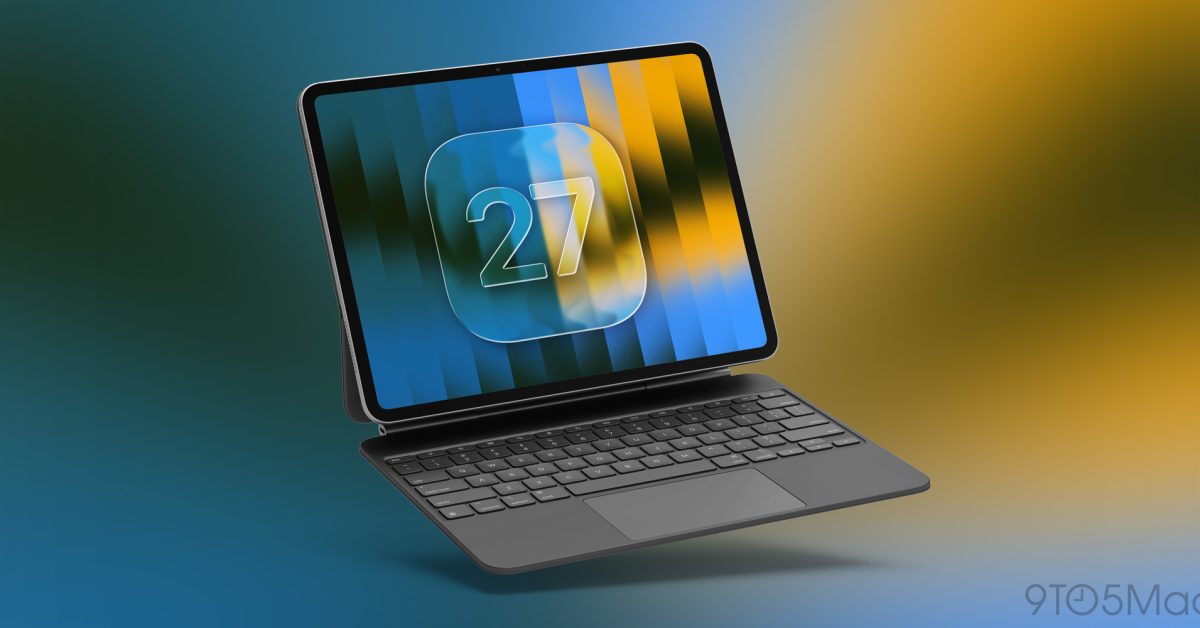
- iPadOS 27 introduces heavy AI and Apple Intelligence features, limiting support to newer, high-performance hardware.
- Compatibility is largely restricted to iPad Pro (5th gen+), iPad Air (4th gen+), and the iPad mini (A17 Pro).
- Users can verify eligibility by checking their 'Model Name' and 'Software Update' status within the Settings menu.
Navigating the Future of iPadOS
As Apple continues to push the boundaries of mobile computing with its advanced Apple Intelligence features and a revamped, AI-driven Siri, the hardware requirements for the latest software updates have become increasingly stringent. With the announcement of iPadOS 27, many power users are asking the same question: Does my device have the processing muscle to handle the next generation of iPad software?
While Apple historically aims to maintain software support for its tablets for several years, the integration of complex neural processing tasks means that only devices with modern, high-performance chipsets can effectively run the latest operating system. If you want to experience the full suite of new capabilities, it is essential to verify your hardware compatibility.
The iPadOS 27 Compatibility List
Apple has confirmed that iPadOS 27 will focus heavily on optimized performance for Apple Silicon. Consequently, support is limited to specific models equipped with the M-series chips or the latest specialized silicon. The supported devices are as follows:
- iPad Pro: 5th Generation and later models.
- iPad Air: 4th Generation and later models.
- iPad mini: A17 Pro-equipped models.
Notably, the entry-level “base” iPad models have been omitted from this update cycle, signaling a move toward prioritizing performance-oriented hardware to support the resource-heavy demands of modern artificial intelligence features.
How to Verify Your iPad Model
If you are unsure whether your tablet makes the cut, checking your current specifications is a straightforward process. Follow these steps to determine your hardware status:
- Open your Settings app.
- Navigate to General and select About.
- Look for the Model Name to identify your specific generation.
- To check for available updates, return to the General menu and select Software Update.
Why Compatibility Matters
Upgrading to the latest version of iPadOS is not just about having the latest UI changes; it is about security, efficiency, and access to new tools. As Apple moves further into the era of on-device AI, the gap between older hardware and modern capability is widening. If your device is not listed, it may be time to consider an upgrade to ensure you remain within the Apple ecosystem’s most advanced software environment.



