Beyond End-of-Life: Why Kindle Users are Turning to Jailbreaking to Save Aging E-Readers

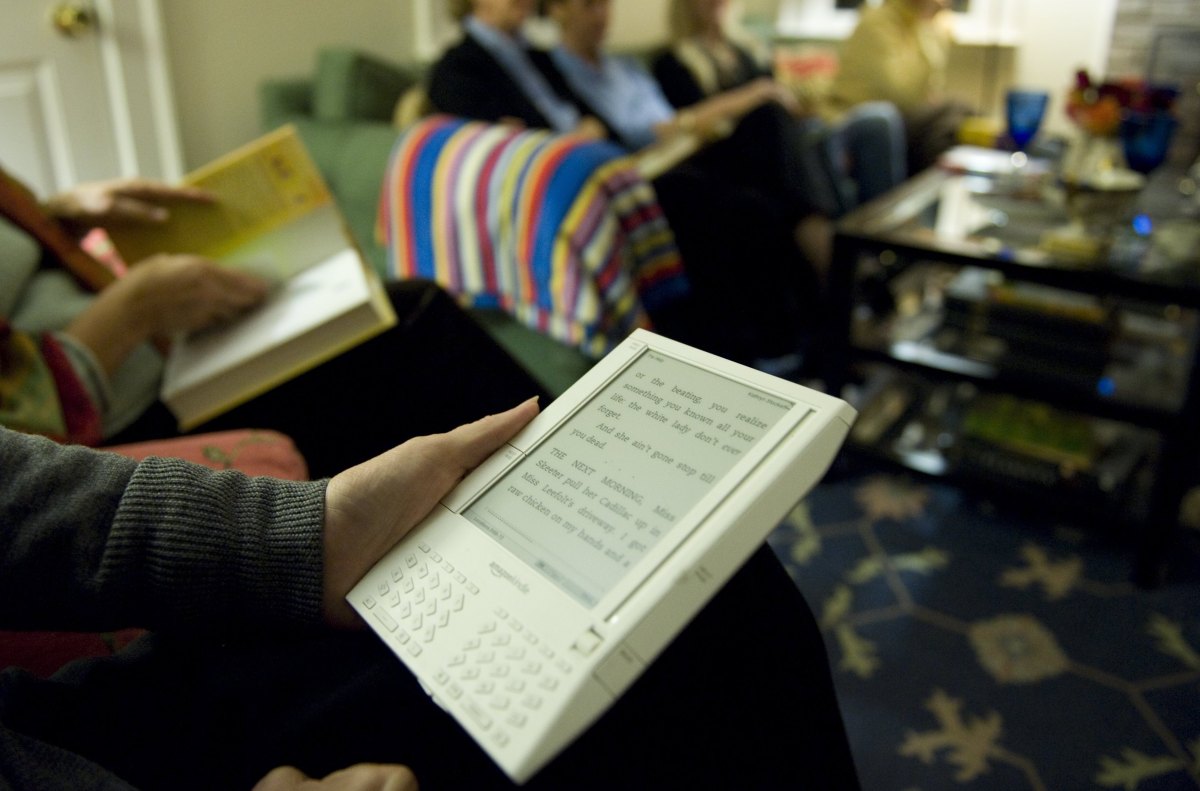
- Amazon is sunsetting support for legacy Kindle models, rendering them incapable of cloud syncing and official updates.
- Users are increasingly utilizing jailbreaking methods to install custom firmware, such as KOReader, to maintain device utility and broader file format support.
- The process carries significant risks, including the potential for device failure; owners are advised to prioritize security and research before attempting any modifications.
The End of an Era for Legacy Kindle Devices
Amazon has officially signaled the sunset for several classic Kindle models, effectively ending technical support and connectivity for a wide range of devices, including the original Kindle, Kindle DX, and early Paperwhite iterations. As these devices lose their ability to sync with Amazon’s servers, many loyal users are refusing to let their hardware go obsolete. Instead, they are turning to jailbreaking—a process that strips away Amazon’s software restrictions to unlock a second life for these aging e-readers.
What Does Jailbreaking Achieve?
Jailbreaking bypasses the manufacturer’s “walled garden,” allowing users to modify the device’s firmware and underlying software. For a legacy Kindle, this isn’t just about rebellion; it’s about functionality. By jailbreaking their devices, users can:
- Install Custom Software: Tools like the Kindle Unified Application Launcher (KUAL) open the door to third-party applications.
- Broaden File Support: The most popular outcome is installing KOReader, an open-source document viewer that provides significantly better PDF handling and native support for formats like EPUB, which Amazon devices traditionally struggle with.
- System Customization: Users gain control over system-level aesthetics, including custom fonts and personalized screensavers.
The Risks of Modifying Firmware
While the prospect of a customized, fully-functional reader is appealing, potential users should be aware of the technical risks. Improperly executed jailbreaks can “brick” a device, rendering it permanently unusable. Furthermore, third-party software may lead to system instability, such as increased app crashes and accelerated battery degradation due to unoptimized background processes. It is also critical to note that while personal jailbreaking is generally not a criminal offense in many jurisdictions, it may violate Amazon’s Terms of Service and could void any remaining warranties or support status.
The Technical Roadmap: A Cautious Approach
For those determined to move forward, the community-driven consensus emphasizes caution and thorough research. Most veteran users suggest the following precautions:
- Disable Connectivity: Immediately switch to airplane mode to prevent Amazon from pushing automatic firmware updates that could patch the security vulnerabilities used for jailbreaking.
- Source Diligently: Only source files from reputable, peer-reviewed communities like the MobileRead Forum to avoid malicious binaries.
- Follow Standard Procedures: The typical process involves transferring specific
.binfiles to the Kindle’s root directory and triggering the installation via the device’s search bar or settings menu.
If you are hesitant to alter your device’s firmware, there are safer alternatives. You can continue to sideload e-books via USB using software like Calibre without modifying the core system. For those who find the hardware limitations of a decade-old Kindle too restrictive, the modern market offers robust alternatives like the Boox Palma or Vivlio, which provide a more contemporary, open experience right out of the box.



