iPadOS 27 Compatibility: Is Your Device Ready for Apple’s Next Big Upgrade?

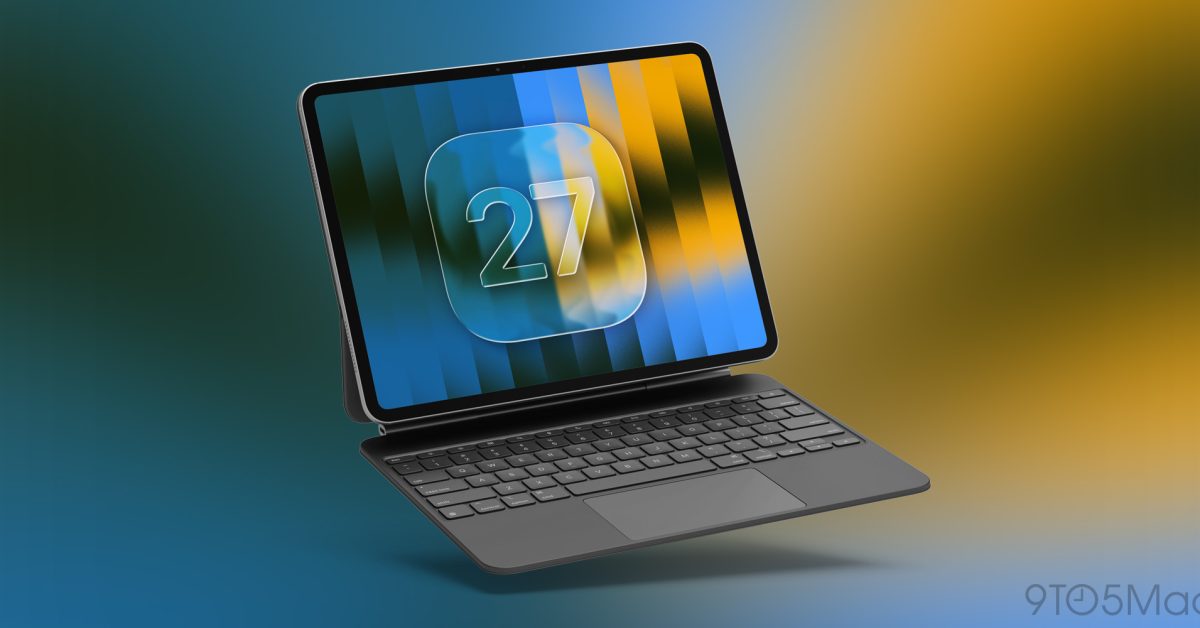
- iPadOS 27 introduces advanced AI and Siri features that require high-performance hardware.
- Compatibility is limited to M-series iPad Pros, iPad Air 4+, and the iPad mini (A17 Pro).
- Users can confirm eligibility by checking their device model in the 'General > About' settings menu.
The Future of iPadOS: Checking Compatibility for iPadOS 27
As Apple continues to push the boundaries of mobile computing with the integration of advanced Siri capabilities and sophisticated Apple Intelligence features, the hardware requirements for the latest operating systems have become increasingly stringent. With the announcement of iPadOS 27, users are eager to know if their current tablet will be able to harness the next generation of Apple’s software ecosystem.
Hardware Demands and Performance
The transition to iPadOS 27 marks a significant shift in how Apple manages legacy hardware. To ensure a smooth experience with high-performance AI tasks, the upcoming OS focuses on devices equipped with modern, high-efficiency silicon. Because these new features require substantial neural processing power, Apple has restricted compatibility to models featuring M-series chips or the latest A-series Pro architecture.
Is Your Device Supported?
Apple has confirmed that support for iPadOS 27 is limited to the following iPad iterations:
- iPad Pro: 5th generation and later models.
- iPad Air: 4th generation and later models.
- iPad mini: A17 Pro equipped models.
Notably, the standard, entry-level iPad models have been excluded from this release, marking a clear divide between the base-tier hardware and the high-performance professional lineup.
How to Verify Your Model and Current Software
If you are unsure whether your device meets these requirements, you can verify your hardware and current software status in seconds:
- Check Your Model: Navigate to Settings > General > About. Here, you will find the specific model name and generation of your iPad.
- Check Software Status: To see if an update is available for your device, go to Settings > General > Software Update. If your device is eligible for iPadOS 27, the update will appear here once it is officially pushed to your region.
Staying up to date with the latest OS ensures your device remains secure and fully functional with the newest productivity tools. If your current iPad does not make the cut, it may be the ideal time to explore the latest M-series hardware to take full advantage of the upcoming Apple Intelligence suite.



