watchOS 27 Compatibility: Is Your Apple Watch Ready for the Future?

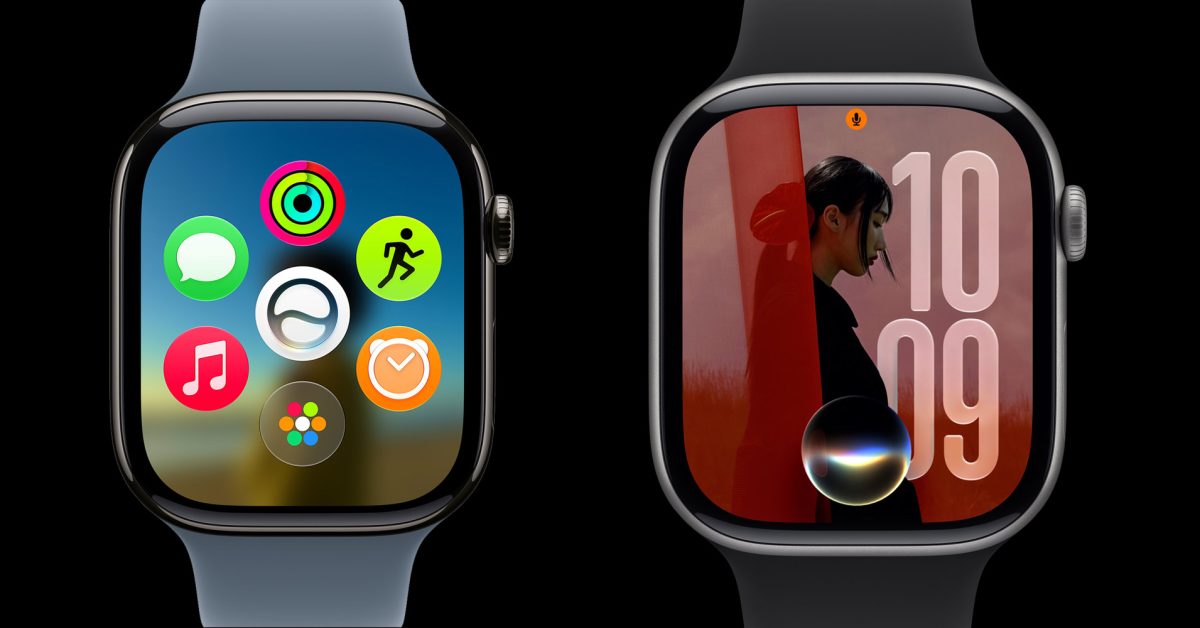
- Apple has unveiled watchOS 27 at WWDC26, introducing AI-driven features and enhanced health insights.
- The update drops support for Series 6-9, 2nd gen SE, and the original Apple Watch Ultra.
- Users require an iPhone 11 or newer running iOS 27 to support the latest watchOS installation.
The Evolution of watchOS: Setting New Hardware Standards
At WWDC 2026, Apple officially unveiled the latest iteration of its wearable operating system, watchOS 27. As with every major software update, Apple is looking to leverage advanced machine learning capabilities and deeper health data integration, necessitating a more robust hardware foundation. Consequently, Apple has officially streamlined its compatibility list, leaving behind several fan-favorite models.
What’s Changing in the watchOS Ecosystem?
The transition to watchOS 27 marks a significant shift in Apple’s support lifecycle. This update introduces groundbreaking features, including a revamped AI-powered Siri experience, more granular workout data insights, and expanded language support for the popular Workout Buddy application. To accommodate these intensive background processes and high-efficiency features, the OS now requires the advanced chipsets found in the latest generations of Apple hardware.
Official watchOS 27 Compatibility List
If you are planning to update your device, it is crucial to verify your model against the updated support list. Apple has decided to discontinue support for the Apple Watch Series 6 through Series 9, the 2nd generation Apple Watch SE, and the original Apple Watch Ultra. The following models are confirmed to be compatible with the new software:
- Apple Watch Series 11
- Apple Watch Series 10
- Apple Watch Ultra 3
- Apple Watch Ultra 2
- Apple Watch SE (3rd generation)
Prerequisites and Requirements
Beyond the watch itself, users must ensure their paired iPhone is up to the task. To install watchOS 27, your iPhone must be running iOS 27 and must be an iPhone 11 or later, or an iPhone SE (2nd generation or newer). This unified software requirement ensures that the handoff and data synchronization between your wearable and smartphone remain seamless and secure.
For users with older devices, while you may miss out on the latest AI advancements and performance optimizations, your current watch will remain functional on previous software versions. However, for those looking to experience the full potential of Apple’s latest ecosystem advancements, upgrading to a supported model is the recommended path.



