iOS 27 Leaks: Apple Set to Overhaul Controversial ‘Liquid Glass’ UI Elements

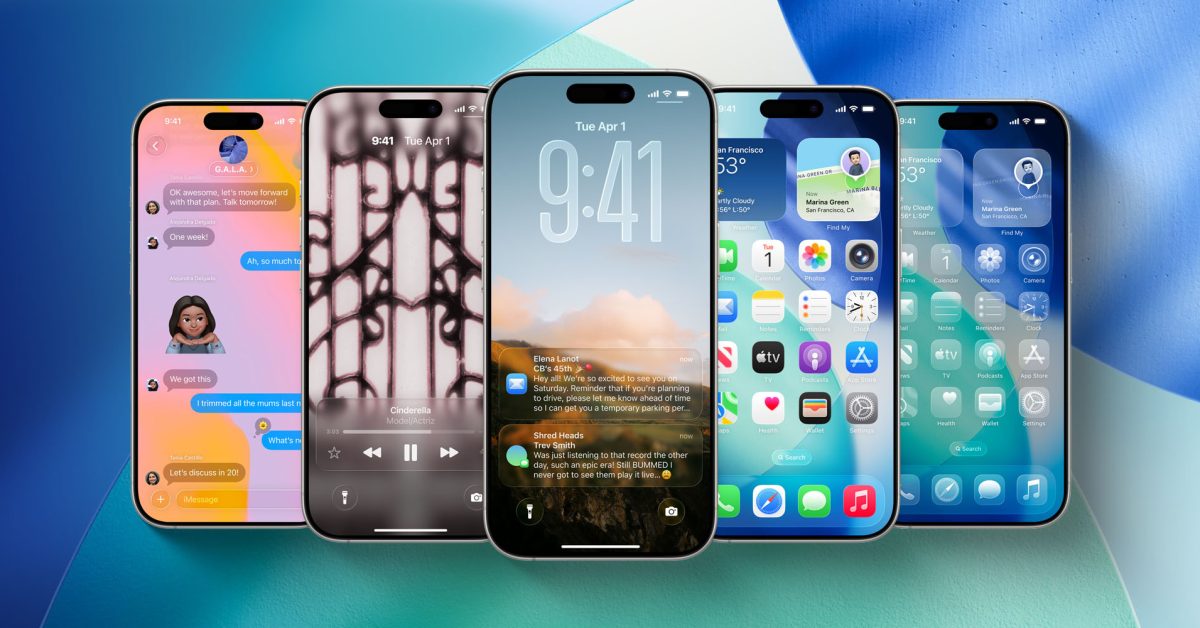
- iOS 27 is expected to overhaul the 'Liquid Glass' tab bars, likely removing the frustrating auto-collapse feature in favor of a more consistent, always-visible layout.
- New system-wide animations, including a revamped keyboard slide-up effect, will aim to provide a more fluid and responsive tactile experience.
- Core apps like Apple Music, Safari, and the redesigned Siri interface are confirmed to receive significant UI adjustments to prioritize user navigation and search accessibility.
Refining the Experience: Apple’s Design Pivot in iOS 27
As the unveiling of iOS 27 approaches, anticipation is reaching a fever pitch. According to recent reports from Bloomberg’s Mark Gurman, Apple is preparing a comprehensive design refresh that aims to address some of the most persistent frustrations found within the current ‘Liquid Glass’ design language. Among the most anticipated updates are significant overhauls to system-wide navigation and the controversial collapsing tab bar behavior.
Redesigning the Tab Bar: A Return to Usability
One of the primary pain points for power users in iOS 26 has been the implementation of auto-collapsing tab bars. Currently, in apps like Apple Music, Podcasts, and Photos, these bars shrink into a single, cornered icon during scrolling, necessitating an extra, redundant tap to regain access to navigation. This design choice, while aesthetically clean, has introduced friction into everyday workflows.
Gurman’s report suggests that Apple is listening to user feedback. The company is reportedly working to integrate the search function back into the standard tab bar layout across multiple system apps. Industry experts speculate that this structural change will likely signal the end of the auto-collapsing UI, as a merged search-and-navigation bar would become difficult to interact with if it remained hidden behind a minimized icon.
System-Wide Visual Enhancements
Beyond navigation, iOS 27 promises a suite of aesthetic refinements designed to improve the fluidity of the user interface:
- Keyboard Animations: Users can expect a more polished interaction when engaging the on-screen keyboard, with new fluid animations that show keys sliding up from the bottom of the display.
- Siri and Search: Expected updates to the Siri digital assistant and system-wide search functionality indicate a move toward a more integrated, seamless look and feel.
- App-Specific Updates: Major internal applications, including Image Playground, Safari, and the Weather app, are slated for interface tweaks to align with the refined design language.
The Verdict: Evolution or Correction?
While some critics argue that reverting to previous navigation standards is simply “fixing what shouldn’t have been broken,” the potential shift in iOS 27 represents a vital maturity phase for the Liquid Glass design. By prioritizing discoverability and reducing the number of taps required for core navigation, Apple appears to be moving away from design-for-design’s-sake toward a more user-centric, efficient interface.
As we edge closer to the official announcement, the tech community is watching closely to see if these refinements will successfully balance Apple’s signature minimalist aesthetic with the practical demands of modern smartphone usage.



