Digital Resurrection: Why Kindle Users Are Turning to Jailbreaking Amidst Amazon’s Sunset Phase

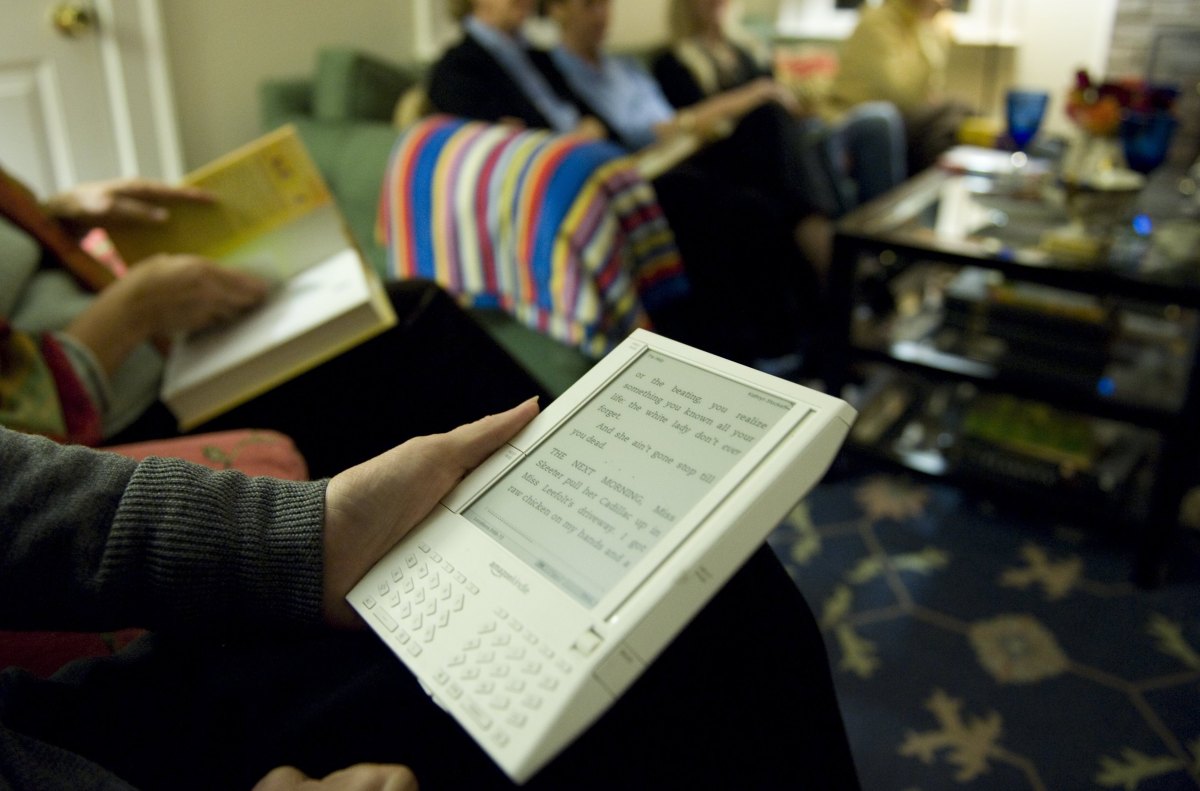
- Amazon is sunsetting support for legacy Kindle models, effectively restricting these devices to offline, local-content-only use.
- Users are increasingly jailbreaking their hardware to bypass software limitations, enabling custom fonts, better file format support, and third-party apps.
- Jailbreaking carries significant risks, including potential hardware failure and the voiding of software-related terms; users are advised to seek guidance only from reputable forums like MobileRead.
The End of an Era for Legacy Kindles
Amazon has officially signaled the end of the road for its earliest hardware lineup. As the retail giant discontinues technical support for a wide array of legacy Kindle devices—ranging from the original 1st Generation Kindle to the Kindle Fire HD 8.9—thousands of users are facing a dilemma: retire their perfectly functional hardware or take matters into their own hands. In response, a growing community of enthusiasts is turning to jailbreaking to breathe new life into these abandoned e-readers.
Why Jailbreak Your Kindle?
When Amazon pulls support, the device transitions into a digital paperweight, limited strictly to content already stored on the local drive. Jailbreaking effectively strips away the manufacturer’s software shackles, granting root-level access to the device’s operating system. This allows users to transform their aging hardware into versatile powerhouses capable of:
- Customization: Installing personalized fonts and unique screensavers.
- Extended Compatibility: Utilizing tools like KOReader, which supports a wider range of file formats, including EPUB, and offers superior PDF handling.
- App Management: Deploying the Kindle Unified Application Launcher (KUAL) to manage third-party software and utilities.
The Technical Process and Necessary Precautions
Jailbreaking is a delicate procedure that is not without risk. Before attempting to modify your device, it is critical to recognize that this process can potentially ‘brick’ your Kindle, rendering it permanently unusable. Furthermore, it may conflict with Amazon’s Terms of Service.
For those committed to the process, the community standard involves a meticulous workflow:
- Version Verification: Confirm that your specific firmware version is compatible with known exploits.
- Locking Down: Disable Wi-Fi immediately to prevent automatic Amazon updates from patching the very vulnerabilities required for the jailbreak.
- Sourcing Files: Only use reputable repositories such as the MobileRead Forum. Never download exploit binaries from unverified, suspicious links.
- Deployment: Transfer the .bin files via USB to the root directory and initiate the installation through the device’s diagnostic or update menu.
Should You Proceed?
While the prospect of expanding your Kindle’s functionality is enticing, it is not a decision to be taken lightly. Jailbroken devices often experience reduced battery efficiency and occasional system instability. If you are not comfortable with technical troubleshooting, consider safer alternatives like manual USB sideloading—which requires no software modification—or migrating to modern, open-ecosystem devices from manufacturers like Boox or Vivlio.
Disclaimer: This article is intended for informational purposes. Modifying consumer electronics should be done with caution and with a full understanding of the risks involved.